
Cafe and Restaurant Menu Web Application
Your online menu provides a modern and professional experience for managing and displaying products. With an elegant user interface and the ability to quickly add or edit items, you have full control over inventory and pricing. The design is fully responsive, ensuring perfect display on mobile, tablet, and desktop devices. Users can switch between light and dark modes or customize brand colors to match their preferences. Online payments and secure transactions are processed through direct integration with banking gateways. This menu combines brand identity, technical security, and a smooth user experience for restaurants and food businesses.
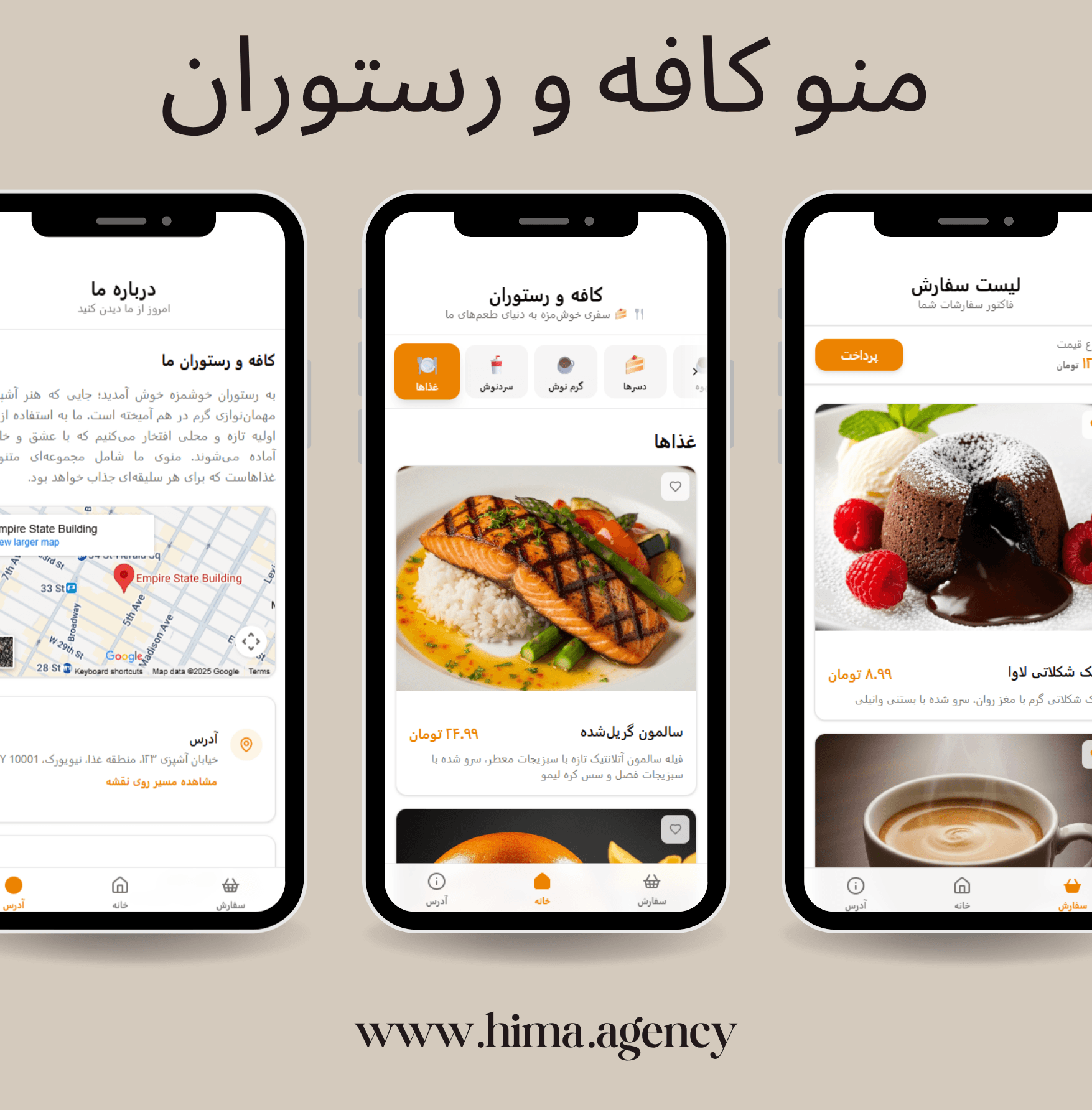
Photo Gallery
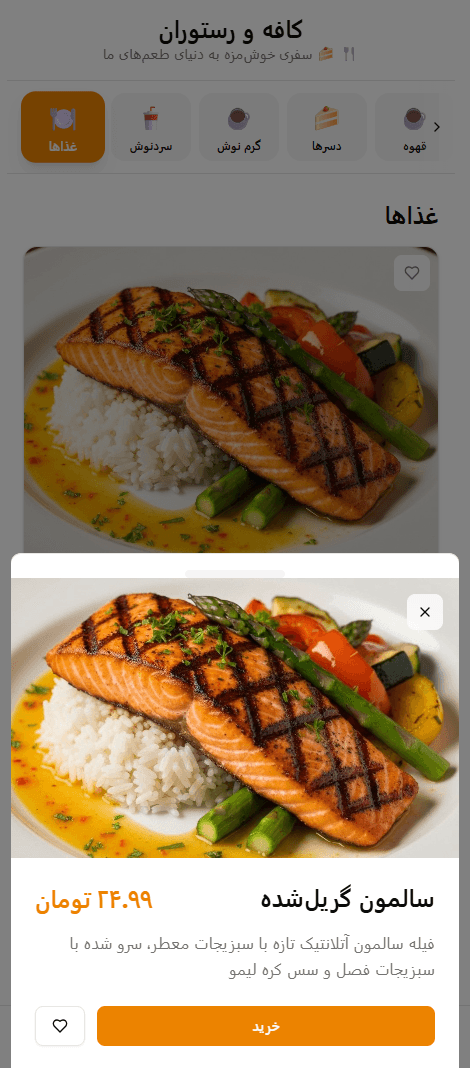
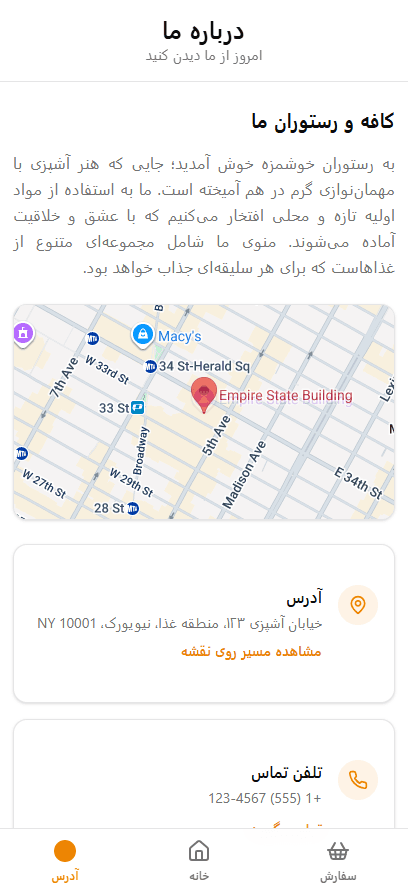
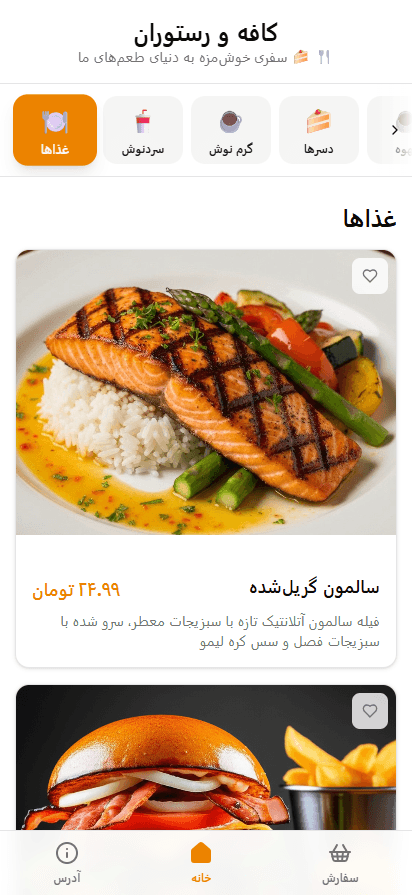
Features
Add and Remove Products
UIYou can manually add or remove your products and even adjust their prices.
Responsive Design
UIStandard display on mobile, tablet, and desktop with a flexible grid layout.
Dark Mode and Theme Switch
UIAbility to toggle between light/dark modes and customize brand colors.
Payment and Transactions
BusinessPayment gateway integration, secure payments, invoicing, and transaction tracking.
Font, Style, Logo, and Icons
BrandingUnified visual identity with Persian/Arabic fonts, custom logo, and icons.
Admin Panel and Roles
ManagementAdmin dashboard, multi-role support, and precise access control.
Hotjar
AnalyticsHeatmaps, session recordings, and user behavior analysis.
Enamad Certification
TrustBuild trust by displaying the electronic trust symbol.